01
Hold up the card.
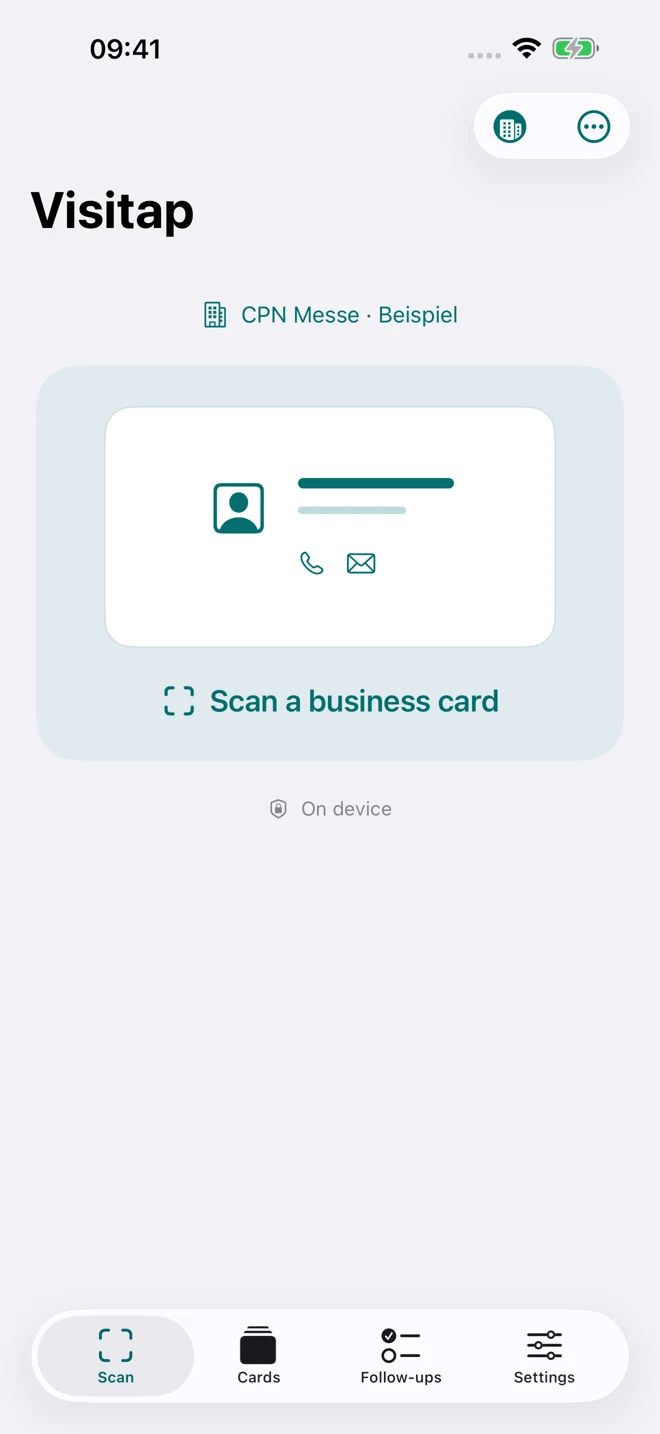
Automatic capture when the card is stable. Missing important details? Visitap suggests scanning the back.
LESS TYPING. MORE CONNECTIONS.
A business card is just the beginning. Visitap keeps contact details, conversation notes and promises to follow up together on your iPhone.
See how it works ↓Free to use · No account · Apple Contacts is optional
FROM FIRST SCAN TO FOLLOW-UP
Keep business contacts separate from your personal address book. Add them to Apple Contacts only when you choose.
Automatic capture when the card is stable. Missing important details? Visitap suggests scanning the back.
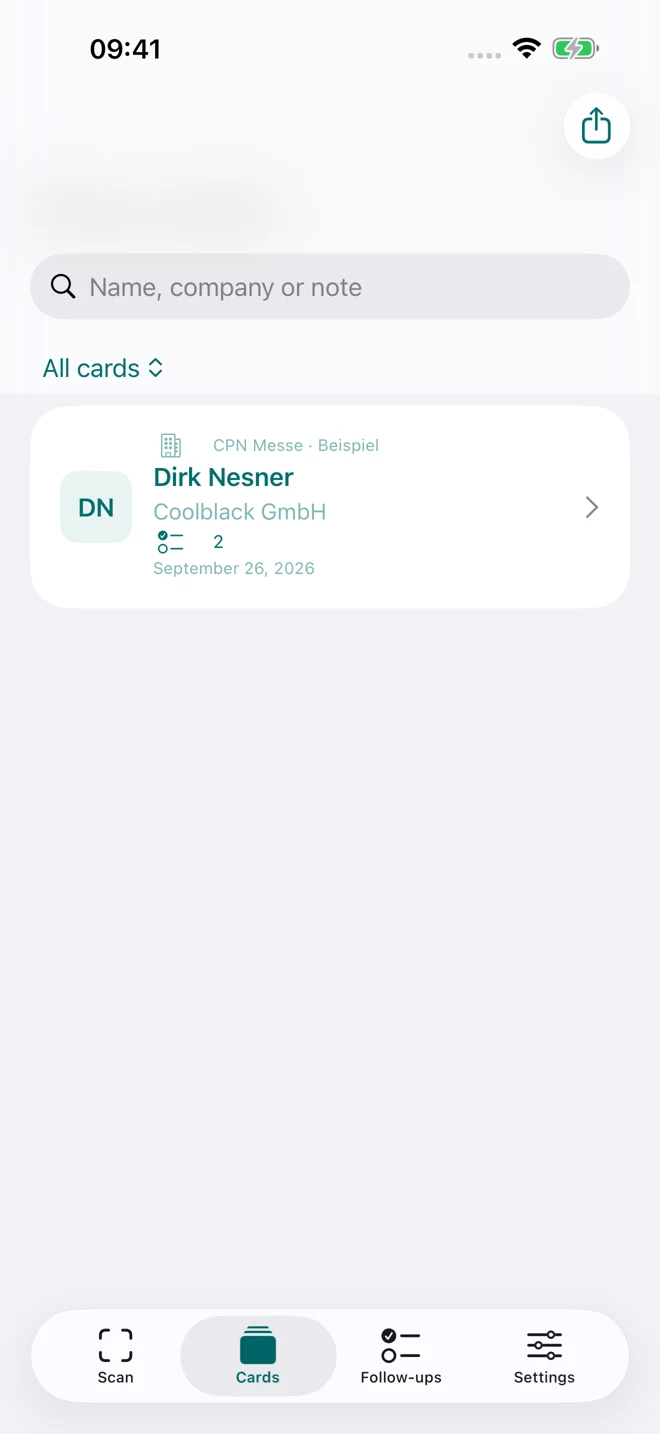
Browse cards by initials and filter by event. Open a card to view, swipe through and zoom into the original photos.
Brochure requested? Callback agreed? Your event selections create follow-up tasks you can check off.
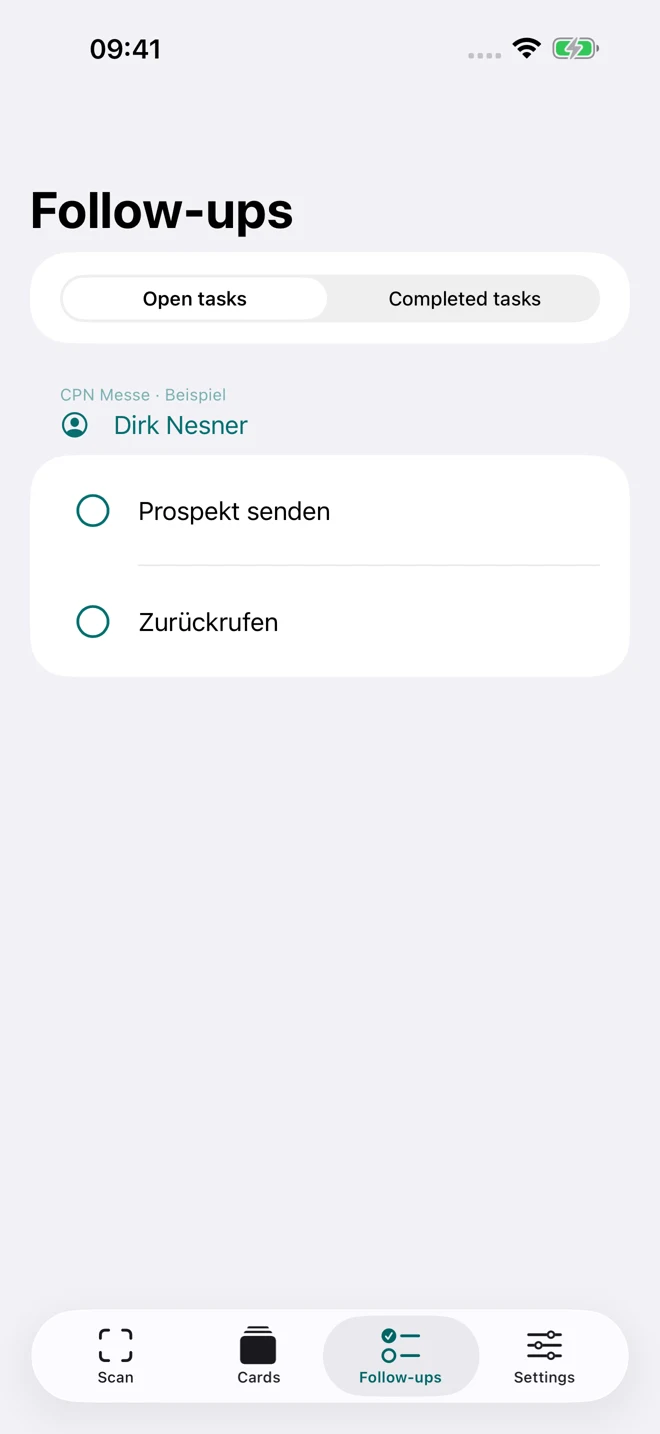
Actual app screens with example event data. English screens are also used on translated pages; the app interface supports all six languages.
Event mode
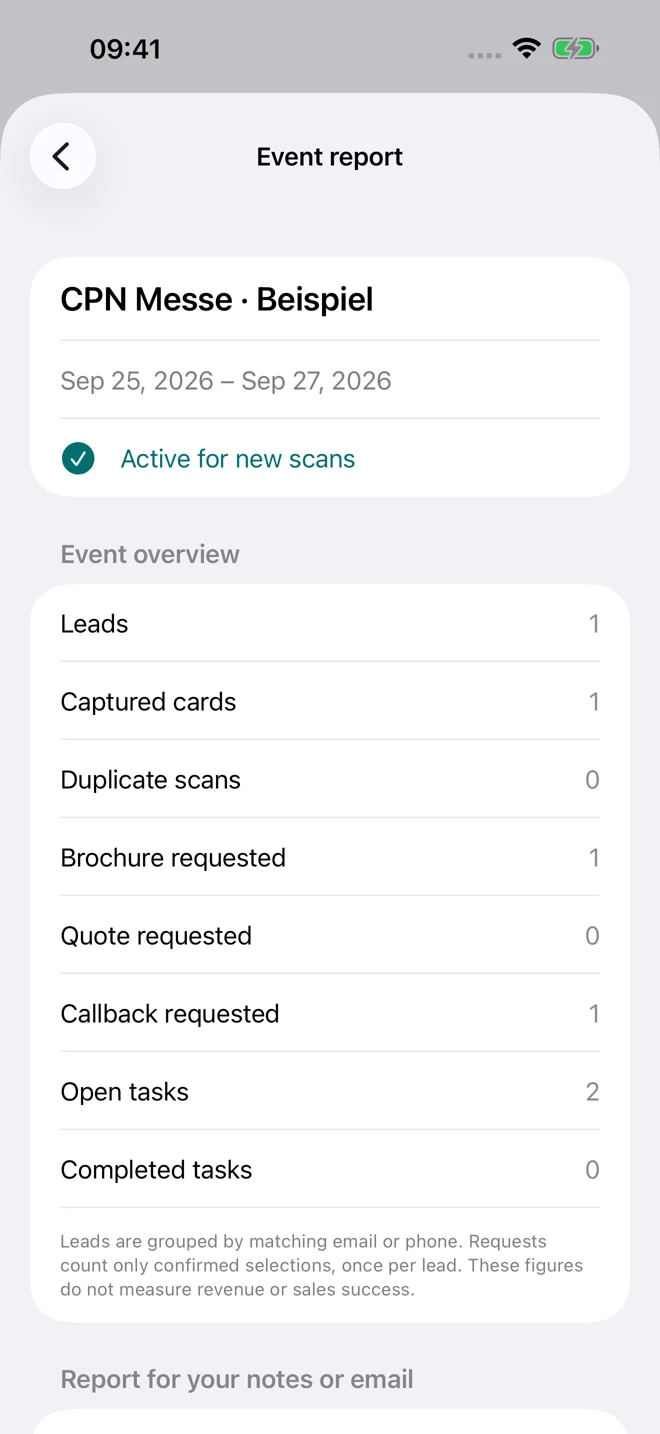
Name your event, choose one day or a date range and start. New cards are assigned to that event automatically.
Add the reverse side to the same card without overwriting existing details. Keep both original photos.
Dictate notes locally. On compatible devices, Apple Intelligence can help assign fields and refine notes. Check the result before saving.
Share a vCard or export event contacts as CSV. Include notes and tasks only when you choose.
Card recognition, photos, notes and available AI features are processed on your device. No account. No advertising tracking.
Privacy policy ↗You choose when to share. Saving to Contacts, device backups and your chosen export destinations can store separate copies.
Scanning, cards, notes, tasks, event mode and export are free. A dismissible recommendation for one of our apps may appear after every five processed cards.
German App Store price. Local prices vary; the price Apple displays before purchase applies.
German, English, Spanish, French, Italian and Portuguese.
Release planned in 175 countries and regions, subject to Apple approval and local availability.
Requires iOS/iPadOS 18 or later. Local AI requires iOS/iPadOS 26 and a compatible device with an available Apple Intelligence model. Offline dictation and recognition languages depend on your device and operating system. Recognition is not limited to the six interface languages; please check extracted details.
Open Settings and choose Restore Purchase using the same Apple Account that made the purchase.
Tell us your app version, device model and what happened. Please do not send confidential card data.
nesner@coolblack.gmbh ↗